Add Instrumental
Start with a vocal, melody or sparse demo and ask for the rhythm, harmony and instrumentation it is missing. The source remains the musical reference while the new arrangement fills the open space around it.

ADD TRACKS
Use AI to add vocals to an instrumental or build instrumental backing around authorized vocals. The generated version may also change other parts of the source.
Open the studioBUILD THE MISSING LAYER
Start with a vocal, melody or sparse demo and ask for the rhythm, harmony and instrumentation it is missing. The source remains the musical reference while the new arrangement fills the open space around it.
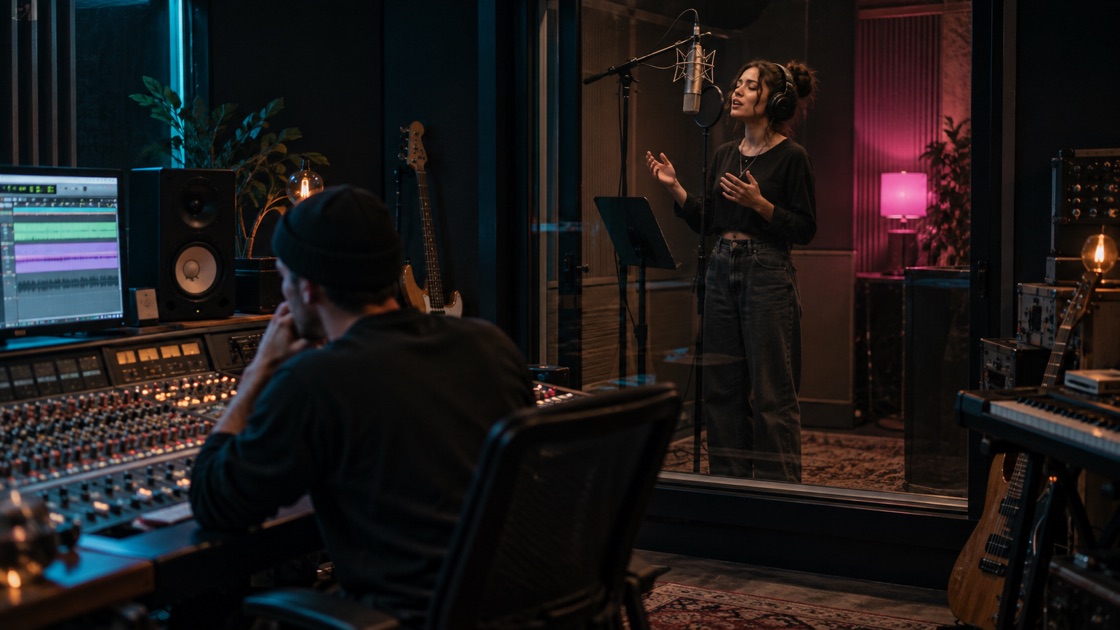
Start with a beat or instrumental, provide lyrics you may use, and describe the delivery you want. The task creates a new vocal performance within the returned song instead of asking you to record a singer first.
One successful request returns A and B versions. Their melody, density and pacing can differ, so listen through the section that matters before deciding which version to download or develop further.
ONE SOURCE, ONE MISSING LAYER
Use Add Instrumental for an exposed vocal, melody or sparse demo. Use Add Vocals for a beat or instrumental that needs authorized words and a new performance.
Start with a beat that leaves room for a singer, place the authorized lyrics in their own field, and describe how the vocal should sit in the arrangement.
SOURCE AND RESULT BOUNDARIES
Use an MP3 you own or are authorized to process, or select a compatible result from your private Library. Add Instrumental needs a clear arrangement direction. Add Vocals also needs lyrics you may use and enough vocal direction to make the request understandable.
A successful task returns two private MP3 tracks containing the complete song with the requested instrumental arrangement or vocal performance. The two tracks belong to one task and share one displayed credit cost.
A local source is uploaded only after sign-in, credit and readiness checks. Private source files remain for 30 days and free private results for 90 days. They are not published automatically, and public page visitors cannot read another account's audio.
A clear instrumental with a stable pulse and harmonic bed works better for vocals. A clean vocal or simple demo gives a new accompaniment room to build. A crowded finished mix may leave little usable space.
Name the instruments, density and role of the added material. Ask for restrained backing around a strong lead, or explain where a new vocal should sit when the beat is already full.
A and B may solve the same brief differently. Listen at the new layer’s entrance, the densest section and the ending, then download or continue the stronger result from the Library.
CHOOSE THE RIGHT EDIT
| Add Tracks | Use the source as a reference while focusing on instrumental or vocal material; other parts may also change. | → |
|---|---|---|
| Cover Song | Rework the overall arrangement and performance. | → |
| Extend Song | Continue beyond a chosen handoff point without replacing the source. | → |
FAQ
Use an MP3 you own or are authorized to process, or choose a compatible item from your private Library. The server checks the file type, size and duration again before the task can reach the processing service. Passing the file check does not promise that every mix is a good creative source.
Choose Add Instrumental when a vocal, melody, rap take or sparse demo needs accompaniment, rhythm or a fuller production bed. Describe the genre, important instruments, density and energy curve. The returned version is a generated arrangement to review, not a guarantee that the source remains sample-for-sample unchanged.
Choose Add Vocals when the source is primarily a beat or instrumental and you want a new sung performance. Provide lyrics you own or may use, plus a vocal and production direction. Do not request a public figure or use lyrics you do not have permission to process.
One successful task returns two private tracks that can be played independently and downloaded as MP3. The page shows the task state while it runs, and you may leave and return through the Library. A failed task does not invent a result or silently submit another paid request.
The page shows the exact cost before submission. Current models use 75, 70 or 65 credits for one successful A/B task. Failed tasks without a usable result release the reserved credits.